Play Google Black Hole Easter Egg
👇 Scroll down to start the experience!
Quick Facts
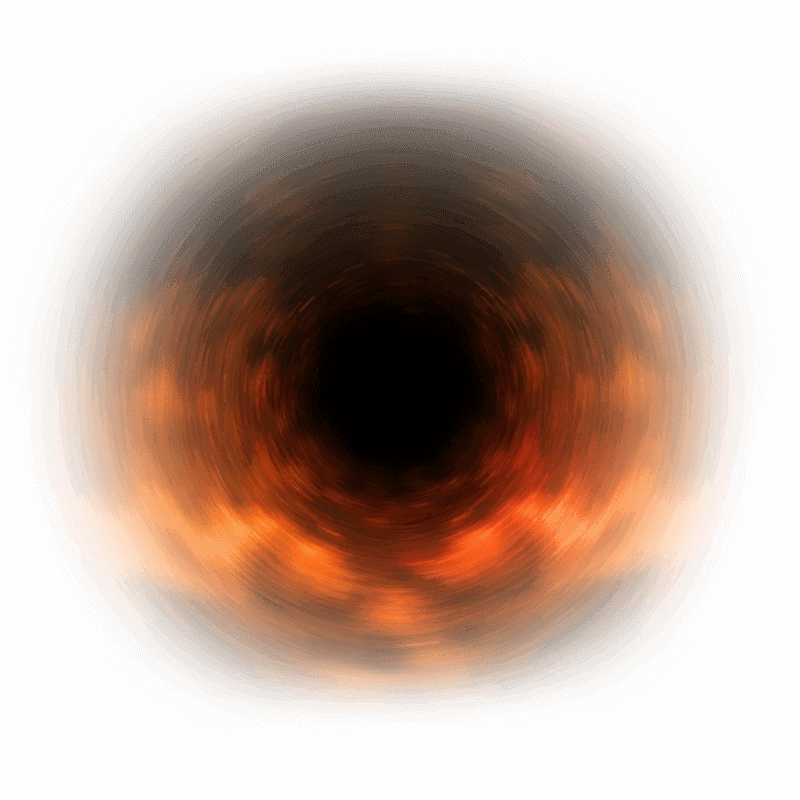
Click the black hole icon and watch the page collapse into the center, then gently build itself back again.
elgooG,
inspired by Baidu
2024
Available on elgooG
Try the Easter Egg
How It Was Made
The Core Idea
A black hole is one of those space ideas that makes sense in a single picture: everything nearby is pulled toward the dark center. This page places that pull on a familiar search-results screen, so the whole interface becomes part of the effect.
The joke is simple and visual. A calm search page meets a black hole, and suddenly all those neat links, words, pictures, and buttons have somewhere else to go.
Inspiration and Development
The spark comes from Baidu-side search tricks, where certain searches could make the results page bend, spin, or collapse into a black hole. This version rebuilds that idea on a familiar search-results page as an unofficial Google effect.
It is not a retired Google feature. The page is an interface stunt: a rotating icon, one clear collapse, and a careful return when the pull is over.
The Easter Egg Experience
What Stands Out
The page begins like an ordinary results page. The search bar waits at the top, links sit in tidy rows, and a small black hole icon keeps turning beside the results.
Click the icon and the quiet page wakes up. A black hole opens in the middle of the screen, page pieces drift inward, shrink as they approach the center, and disappear one after another. Then the hole fades, the pieces return, and the page finds its shape again.
How It Works
The effect treats the visible parts of the page like little scraps of paper. Each one is pulled toward the center, scaled down as it nears the black hole, and hidden briefly.
After the page itself folds into the center, the animation reverses. The wrapper grows back, the hidden pieces return in order, and the page settles near the top so you can play it again.
How to Try It
- Click the button above to open the search-results page.
- Look for the small rotating black hole icon near the results.
- Click or tap the icon to begin the effect.
- Watch the black hole grow in the middle of the screen and pull text, images, links, and controls inward.
- Let the cycle finish as the hole fades and the page pieces return to their places.
Think of this as a visual cousin to other Google-style page tricks, but with its own motion. Gravity drops page pieces into a pile, Floating Google lets them drift, and the Black Hole Effect pulls everything toward one center before giving it back.
Final Thoughts
The charm is clear and easy to feel. One click pulls the results page into a pocket-sized space scene, lets it vanish for a moment, and brings it back again.
Frequently Asked Questions (FAQ)
What is the Black Hole Effect?
The Black Hole Effect is an unofficial browser animation that places a rotating black hole icon inside your search results.
When you click the icon, the page opens a black hole at the center of the screen. Text, images, links, and controls drift inward, shrink, and disappear.
After the pull finishes, the effect restores the page piece by piece. The idea is inspired by Baidu-side black hole search tricks, but this page is an unofficial effect on this website, not a retired Google feature.
How do I trigger the black hole?
Click the button above to open the page, then find the small rotating black hole icon near the search results.
Click or tap that icon. The animation runs on its own, restores the page when it is finished, and lets the icon appear again for another round.
Is this like Google Gravity or Floating Google?
It belongs to the same family of playful Google-style visual tricks, but the movement is different. Google Gravity drops page pieces down, and Floating Google lets them drift around the screen.
The Black Hole Effect pulls the page toward one dark center, lets it disappear for a moment, and then brings the page back into place.